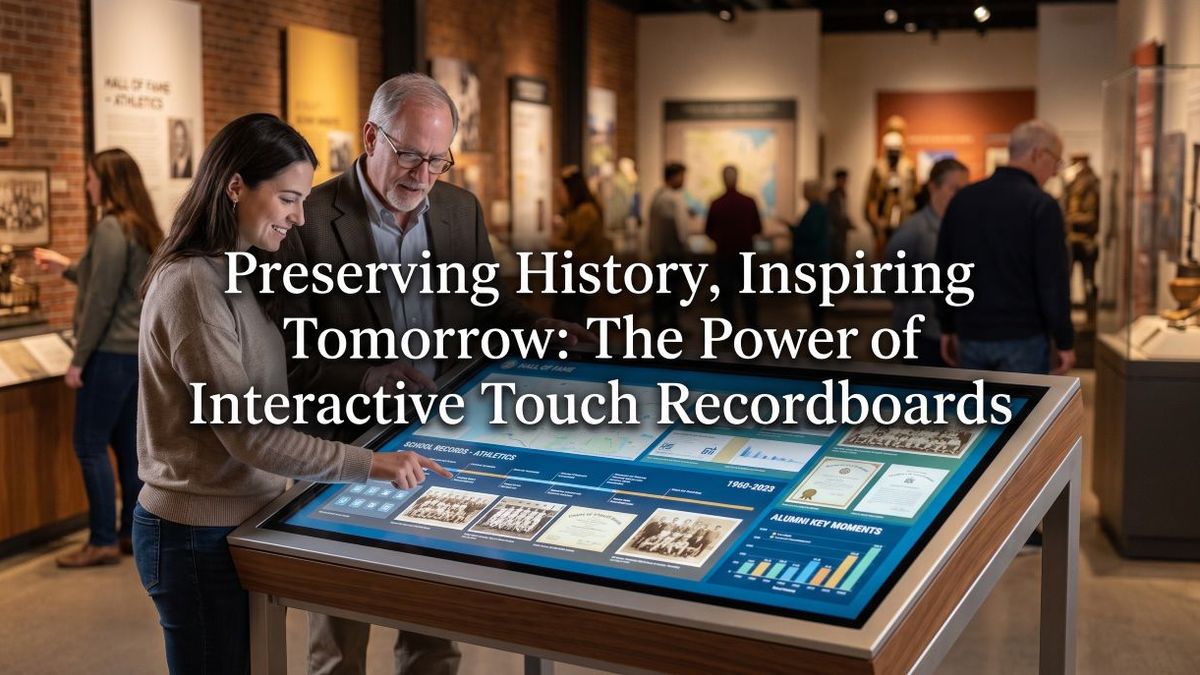
Walk into any modern lobby, community space, or athletic facility today and you will likely find at least one large screen mounted on the wall, often featuring interactive technology or an interactive whiteboard. Some displays rotate slides and static notices that change on a timer, providing dynamic content delivery for education and business. Others respond immediately to a finger tap, opening up searchable records, digital profiles, donor galleries, and rich historical archives on an interactive whiteboard. The fundamental gap between those two experiences comes down to the underlying technology stack—and understanding that technology is the first step toward investing in a solution that delivers lasting value.
This comprehensive guide covers interactive touch screen digital signage from the ground up: how the hardware works, what the software accomplishes, what installation requires, and how organizations use these systems to recognize achievement, honor contributors, and build community engagement. By the time you finish reading, you will know exactly what questions to ask vendors, which technical specifications truly matter, and how to avoid common pitfalls.
Interactive touch screen digital signage is not a single off-the-shelf product, as it can include various configurations like smart boards and interactive whiteboards tailored for specific educational needs. Instead, it is an integrated ecosystem of components that must work seamlessly together: a commercial-grade display panel, a precise touch detection layer, a dependable computing unit, content management software, and a reliable network connection that keeps information current. Getting even one layer wrong compromises the entire system, which explains why many installations underperform despite substantial investments in interactive technology.
What Interactive Touch Screen Digital Signage Actually Is
Standard digital signage pushes content in one direction toward viewers. A playlist runs, slides advance on a preset timer, and people either glance briefly or walk right past. Interactive touch screen digital signage puts the viewer directly in control, leveraging the latest in smart technologies. A simple touch on the glass triggers an immediate response—a menu opens, a detailed profile loads, a video plays, or a digital map zooms into focus, showcasing the capabilities of advanced touchscreen systems. That shift from passive broadcast to active exploration transforms how audiences engage with information.
This distinction is crucial when evaluating options because the underlying technology, software architecture, and content strategy differ entirely depending on your goals, especially when integrating smart boards into a classroom setting.
- Non-Interactive Digital Signage: Lacks the dynamic features of interactive technology and screen sharing capabilities. Displays scheduled content automatically without user input. Best used for general announcements, daily schedules, or wayfinding arrows, enhancing the functionality of smart boards for your classroom. It features lower upfront hardware costs and simpler software configuration, but content can quickly become stale without manual updates, particularly in the context of MX series devices.
- Interactive Touch Screen Digital Signage: A leader in interactive technology that enhances user engagement. Responds instantly to user touch, allowing deep searching, browsing, and content exploration on an all-in-one device, enhancing the experience for education and business, particularly with Promethean’s smart board for your classroom. Best suited for recognition galleries, digital directories, institutional archives, and comprehensive catalogues. It requires specialized touch hardware and capable software, but relevance stays high because users pull the exact information they want, much like the interaction with a smart board in a classroom that supports screen sharing.
For institutions looking to honor alumni, track records, guide visitors, or recognize donors, interactivity is the core feature that makes the digital transformation worthwhile, much like how collaborative smart boards enhance learning experiences.
The Four Core Layers of Interactive Display Systems
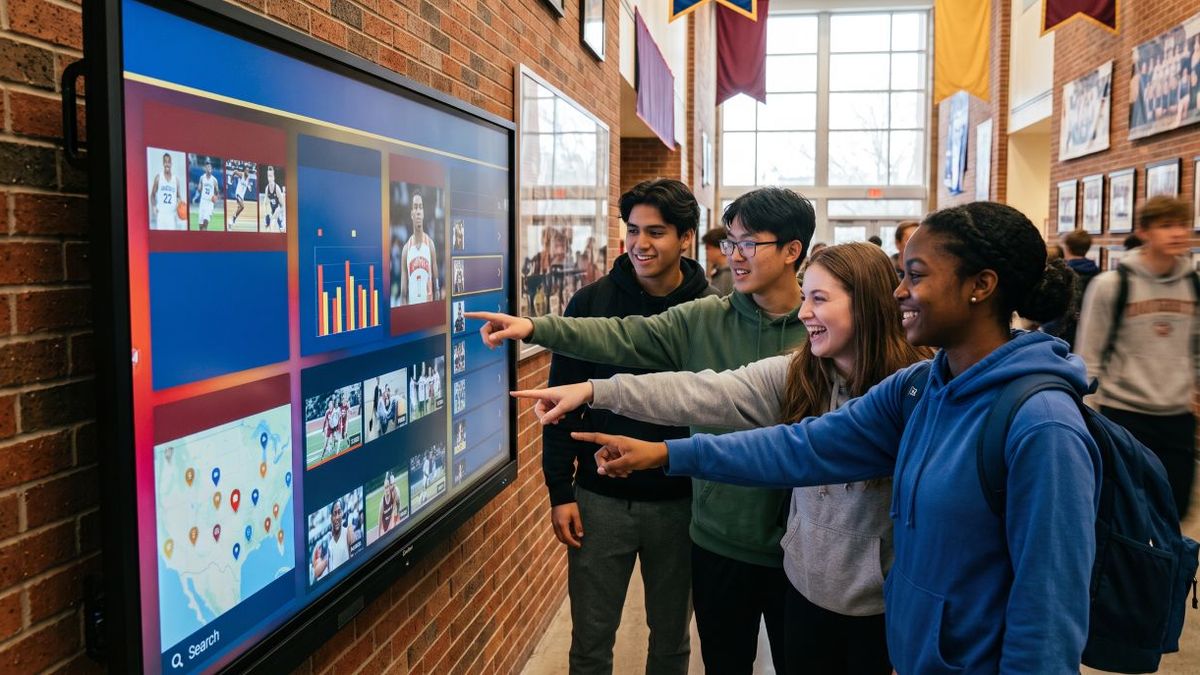
Every interactive display operates across four distinct technical layers, similar to smart boards for classrooms that enhance student engagement, such as Promethean’s or Samsung’s models. Evaluating each layer helps you review vendor proposals intelligently, especially when considering the integration of smart technologies.
Layer 1: The Display Panel
The display is the visible surface mounted on a wall or integrated into a kiosk enclosure, often featuring advanced touchscreen capabilities. For interactive applications, you must use commercial-grade panels like the RX series rated for continuous public operation rather than consumer televisions built for limited residential use.
- Panel Type: Look for IPS LCD panels for standard applications or OLED for premium installations to ensure wide viewing angles and vivid contrast, particularly in conjunction with Samsung’s advanced displays.
- Brightness: Touchscreen technology enhances brightness levels for better visibility. Ensure 350 to 500 nits minimum for clear visibility under bright ambient hallway or lobby lighting, especially when using interactive technology.
- Resolution: 4K UHD (3840x2160) is standard for screens 55 inches and larger to keep text and images crisp, especially when paired with newline's innovative display solutions.
- Operation Rating: Verify a 16/7 or 24/7 commercial runtime rating to ensure optimal performance of smart technologies, including the RX series.
- Protective Glass: 6mm to 7mm tempered glass provides necessary scratch and impact resistance for public spaces, especially in areas with interactive technology.
Layer 2: Touch Detection Technology
The touch layer sits above the display and tracks user contact, enabling simultaneous touch interactions for multiple users, accommodating simultaneous touch points. Three primary technologies dominate the market: touchscreen, smart ink, and optical touch systems.
- Infrared (IR) Touch technology is essential for ensuring precise interactions on touchscreen devices. Projects an invisible grid of light just above the screen, enabling simultaneous touch interactions. When a finger or stylus breaks the beams, the contact point is calculated, ensuring accurate input on the touchscreen. IR accepts any input, handles gloves or pointers, and scales cost-effectively to large formats.
- Projected Capacitive (PCAP) Touch: Uses a conductive grid embedded in glass to detect human electrical fields, identical to smartphone technology. It offers smooth, precise multi-touch without raised bezels, though it carries a higher cost at large sizes, making it ideal for interactive whiteboards in collaborative environments.
- Optical Touch technology is often used in interactive whiteboards to provide a seamless user experience, supporting simultaneous touch points for multiple users. Uses corner-mounted cameras to triangulate touch points, performing exceptionally well on very large displays.
Layer 3: The Computing Unit
A display requires a computing unit to run software and process user requests. Options include built-in system-on-chip (SoC) solutions for basic playback, dedicated external media players running Windows or Linux, or full-featured mini PCs that easily handle large databases and rich media libraries.
Layer 4: Software and Content Management
The software layer determines what users experience upon touching the touchscreen. While general digital signage tools handle basic slide rotation, purpose-built recognition platforms provide structured profile organization, powerful search functionality, multi-display synchronization, and intuitive content management tools that non-technical staff can operate effortlessly.
Network Connectivity and Content Maintenance
An interactive display with outdated information quickly loses its appeal, particularly when integrated with smart ink technologies for dynamic content updates. Establishing a reliable network layer ensures content stays fresh, particularly when using smart boards that require consistent updates.
- Wired Ethernet is essential for reliable connectivity in all-in-one interactive technology setups. Always recommended for permanent installations, especially when utilizing smart boards for your classroom, as they enhance interactivity and engagement. Running a dedicated network cable guarantees steady connectivity without wireless interference, crucial for interactive whiteboard setups like those using smart ink technology.
- Wi-Fi: Essential for seamless integration with interactive touch screen digital signage. A viable alternative when cabling is impractical, provided you use enterprise-grade access points and place the display on a dedicated VLAN, is to utilize wireless smart boards in classrooms.
- Bandwidth and Security are critical considerations when implementing smart boards in classrooms to ensure smooth operation and protect sensitive data during screen sharing. Standard recognition content requires minimal bandwidth once cached locally. Isolating displays behind firewall rules protects your network and allows IT administrators to monitor equipment health efficiently.
Key Use Cases and Applications
Interactive touch displays bring unique value across multiple institutional settings:
- Achievement and Recognition Displays: Searchable digital spaces where visitors can explore decades of records, individual profiles, photo galleries, and milestone achievements without cumbersome physical plaques can be enhanced by interactive technology.
- Visitor Directories and Wayfinding: Utilize interactive technology to enhance navigation and user experience. Interactive maps that help guests locate specific rooms, offices, and services independently, reducing administrative burden.
- Donor Recognition Walls can utilize interactive whiteboards to engage viewers in a more dynamic way. Dynamic, scrollable platforms that honor contributors while seamlessly accommodating future additions without requiring physical modifications are a leader in interactive technology.
- Historical Timelines and Institutional Archives are best presented using interactive displays that support simultaneous touch points for enhanced user engagement. Engaging chronological displays that allow users to explore founding milestones, traditions, and historical narratives at their own pace can be enhanced with interactive whiteboards for collaborative learning.
Planning Your Installation
Successful deployment requires careful planning well before hardware arrives on-site, including considerations for screen sharing and integration with existing systems.
Strategic Placement: Position displays in high-dwell areas like main lobbies, gym corridors, or gathering spaces where people naturally pause, similar to how interactive whiteboards are strategically placed in classrooms for maximum interaction. Avoid narrow hallways where crowds create bottlenecks.
ADA Compliance is essential for ensuring that all users can interact with smart boards and interactive whiteboards. Ensure interactive controls remain within accessible reach ranges (typically 15 to 48 inches above the floor) and provide adequate floor clearance for wheelchair users, especially when using touchscreen interfaces.
Electrical and Infrastructure: Confirm dedicated power circuits, stable mounting wall construction (such as masonry or reinforced studs), and clean cable management paths before finishing walls to support all-in-one systems.
Budgeting and Total Cost of Ownership
Investing in interactive touch signage involves looking beyond initial hardware purchases to understand long-term costs. Complete hardware bundles—including commercial panels, touch overlays, secure mounts, and computing units—vary depending on scale, ranging from compact wall units to large multi-display lobby setups designed for integration with interactive whiteboards. Factor in recurring software subscriptions, professional installation labor, extended warranties, and daily power consumption to maintain a realistic 5-year budget horizon.
Choosing the Right Solution
When selecting a platform, prioritize solutions tailored specifically to your core objectives, such as integrating smart boards for classrooms to boost student engagement. If your primary goal is honoring individuals, preserving history, or managing searchable recognition directories, choose specialized platforms designed for depth, long-term archiving, and effortless content updates over generic broadcast tools. Evaluating vendor support, ease of content management, and scalability ensures your investment continues to engage and inspire audiences for years to come.